What is digital shift handover software?
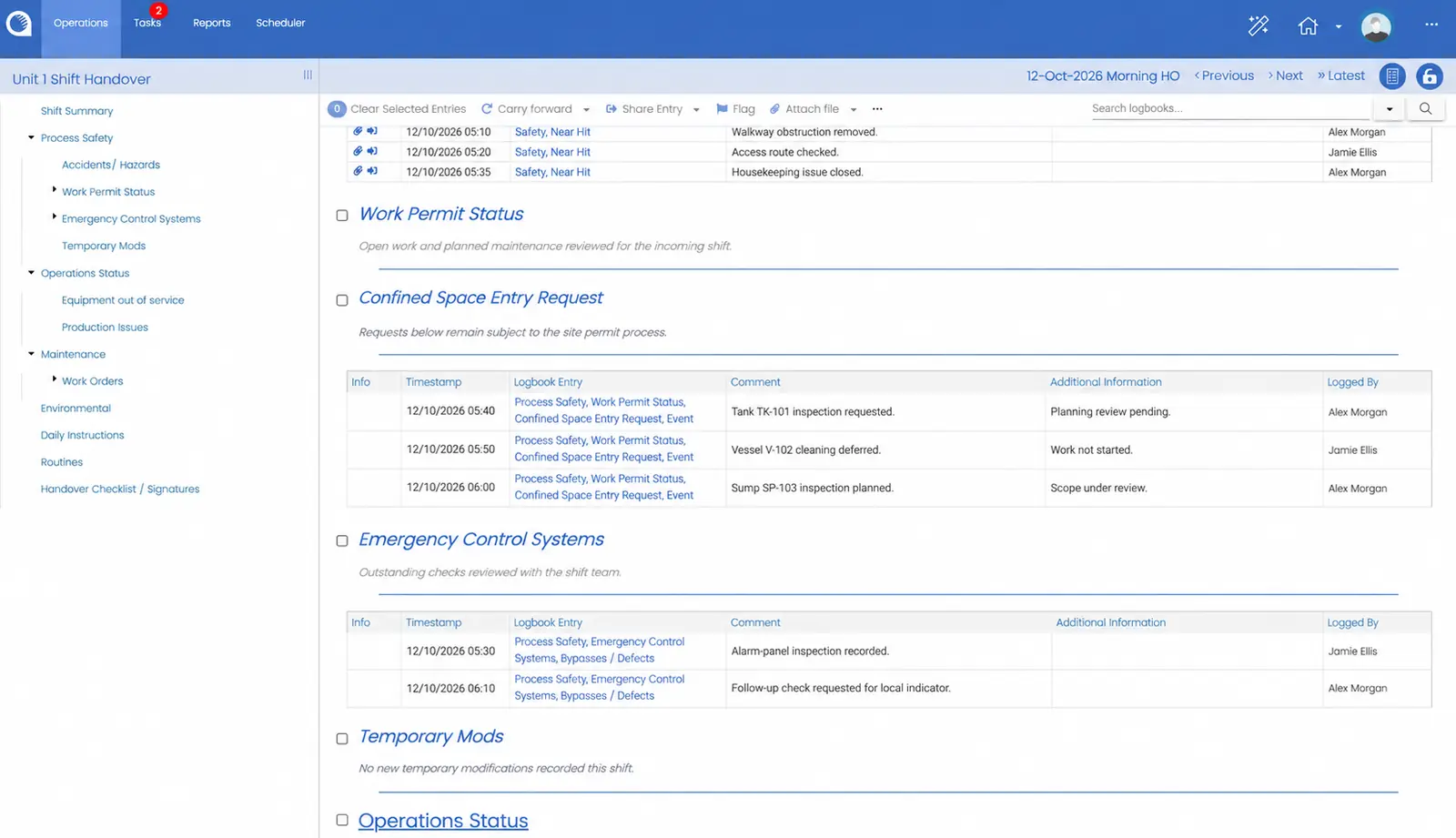
Digital shift handover software gives teams a structured record of the information needed to transfer operational responsibility. Opralog brings together relevant events, plant status, operating instructions and outstanding work so the incoming shift can review the context before taking over. It supports operational handover, rather than staff scheduling or rota management.
How is Opralog different from a basic electronic logbook?
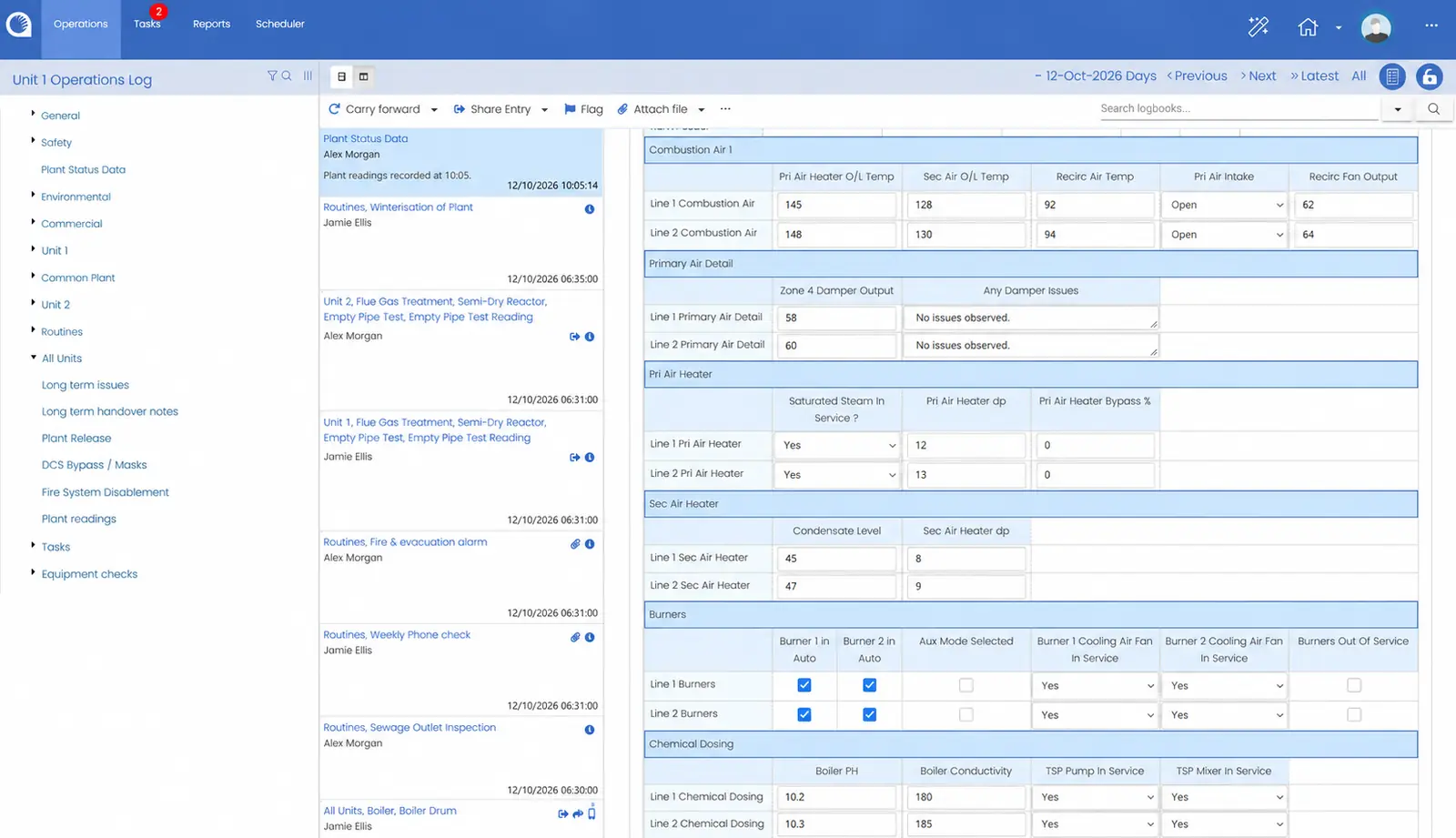
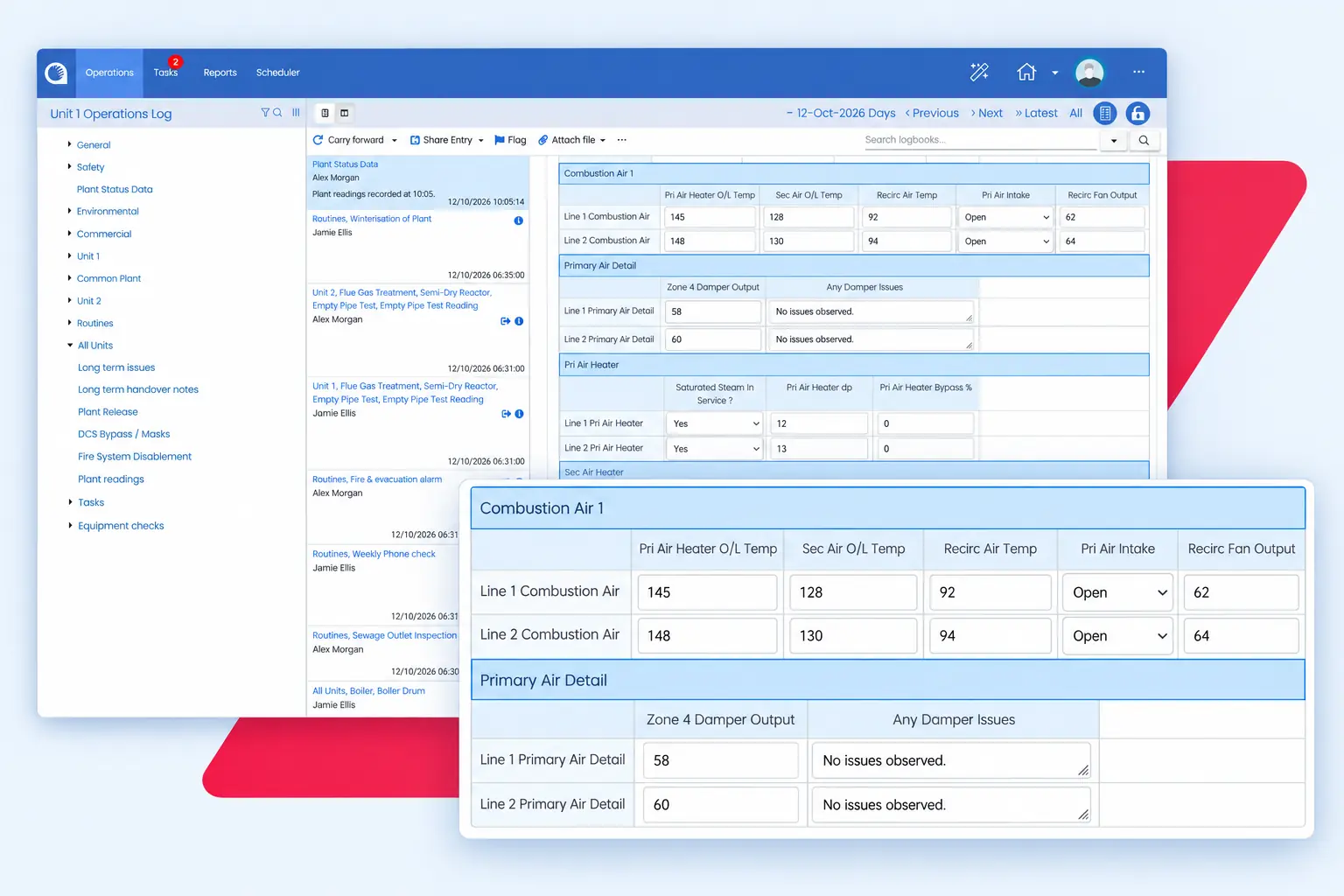
Opralog combines operational logbooks with structured data forms, shift handover, registers, tasks, workflows and reporting. Teams can capture the detail of an event, track follow-up work and review the information needed for the next shift. Trained superusers can configure the system around site processes.
Can Opralog be used across multiple sites?
Yes. Opralog is designed for enterprise use across multiple sites. Organisations can standardise logbooks, handover structures and reporting while allowing configuration for local processes. Site structure, shared standards and reporting requirements are agreed as part of the implementation.
Who can use Opralog beyond the control room?
Anyone across the plant or business can use Opralog as a central point for operational information, for example maintenance, lab, commercial, HSE and management teams. Each team can record the details relevant to its work and contribute to the shared record used across departments and shifts.
Can we configure our own logbooks, forms and registers?
Yes. Trained superusers can configure logbooks, data forms, registers and workflows. Examples include generating-unit handovers, lab-results forms, valve registers and inspection records. Common standards can be retained while the detail reflects the needs of individual teams or sites.
Can Opralog integrate with our plant systems?
Opralog can be integrated with other plant systems, including historians, CMMS/EAM and permit-to-work systems, to bring relevant information into the operational record. For historians, there’s a standard AVEVA PI interface, and OPC and configurable APIs work with others such as GE Proficy Historian, Aspen IP.21, Canary, DataParc, TimescaleDB and InfluxDB. The supported interface, information exchanged, direction of transfer and update frequency are agreed for each integration.
How do Opralog and Mobilog work together?
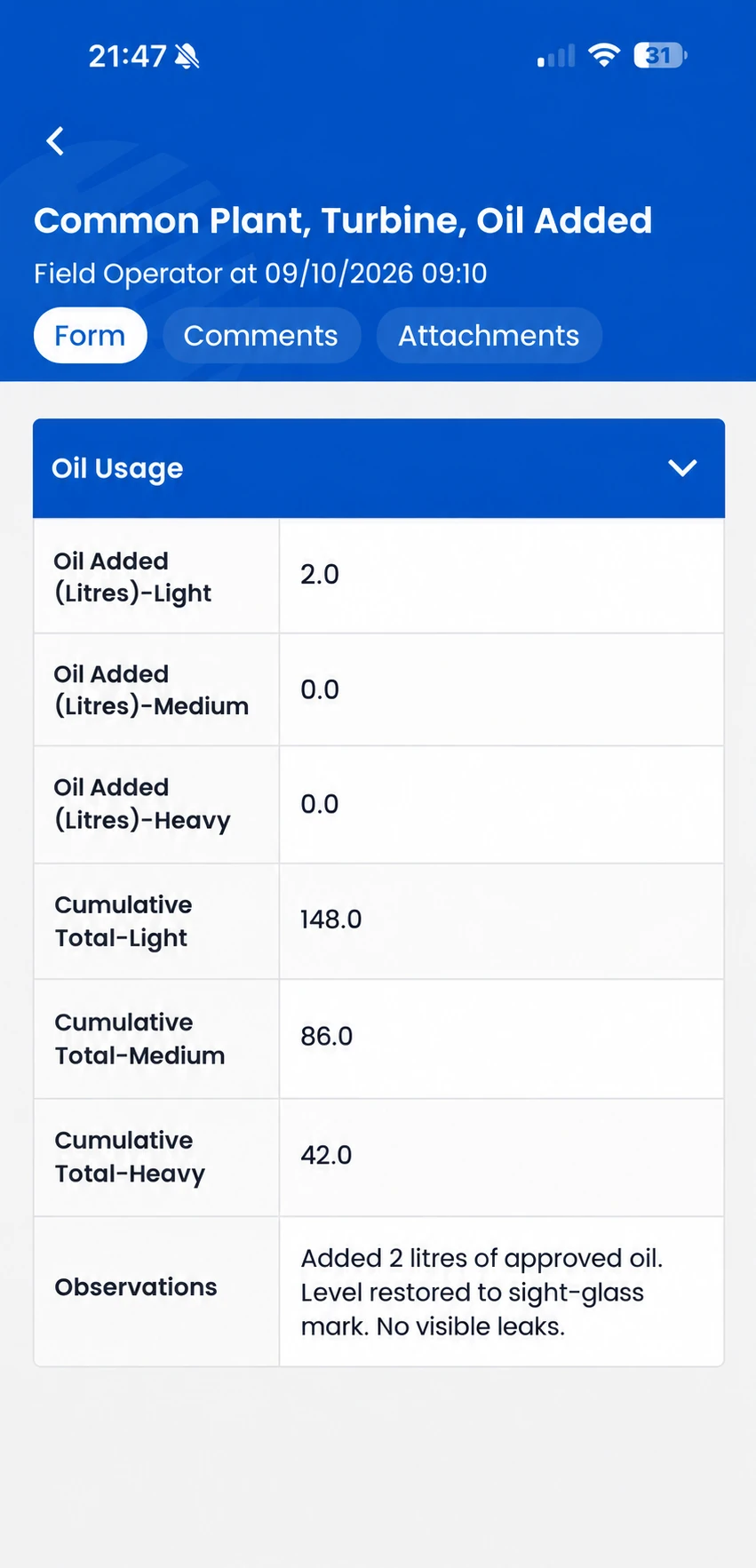
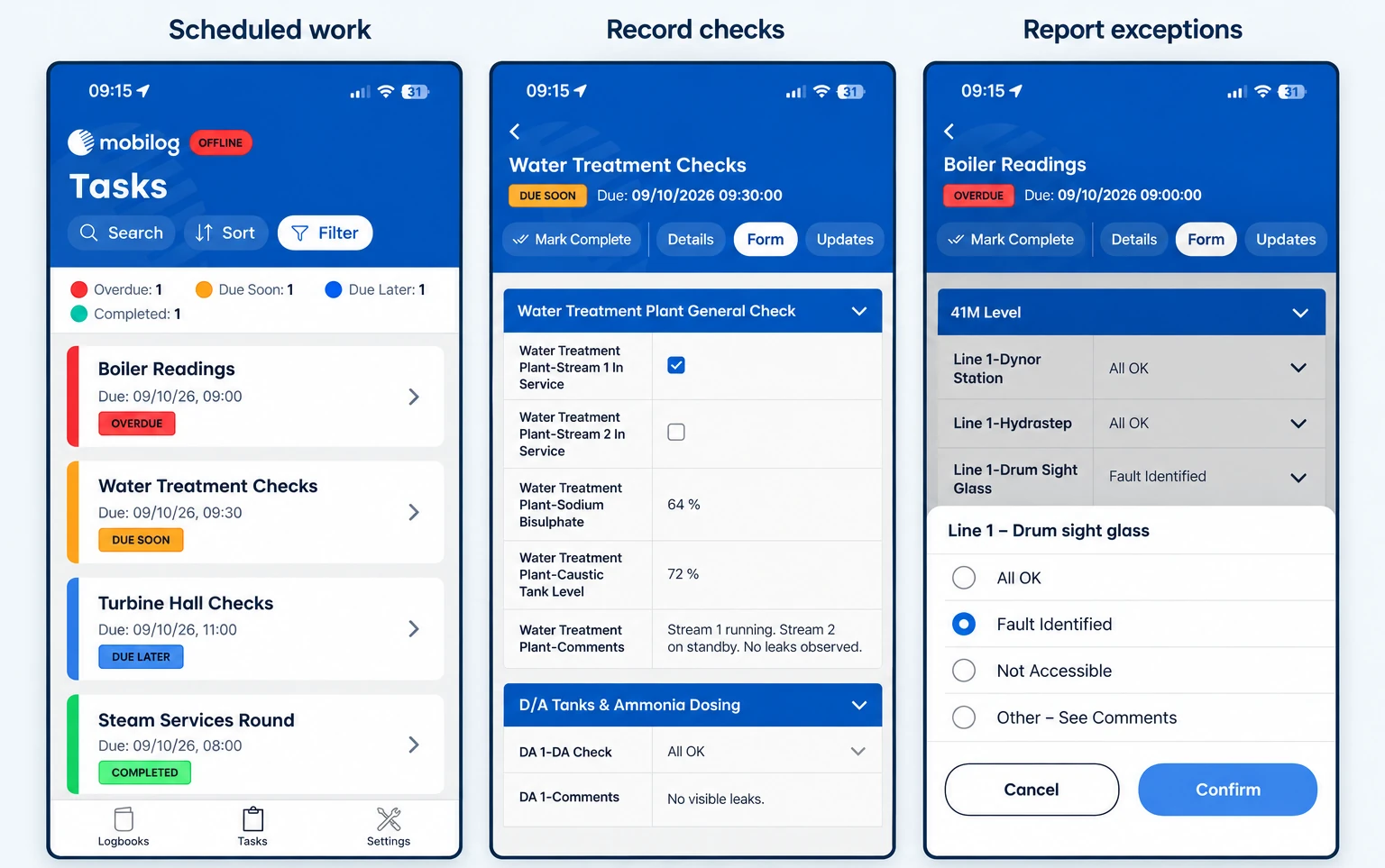
Opralog holds the central operational record, with configuration, administration and reporting managed there. Mobilog extends Opralog to field operators for rounds, inspections, readings, observations and photographs. Mobilog is an optional, separately licensed app for iOS and Android.
Can operators use Mobilog without a connection?
Yes. When a network is available, Mobilog synchronises data instantly. Without a connection, new entries stay on the device and synchronise when a network becomes available. Operators can use information already downloaded to their device; updates made elsewhere become available when it reconnects and synchronises.
Can we use Opralog without Mobilog?
Yes. Opralog supports operational logging, shift handover, registers, tasks and reporting without Mobilog. Mobilog can be added when mobile rounds or inspections form part of your requirements.
Can Opralog replace paper or spreadsheet-based processes?
Opralog can replace paper and spreadsheet-based operational logbooks, handovers, registers and routine checks with structured digital records. Start by reviewing what teams capture today and what needs to be retained or improved. If you’d like to bring existing records across, we’ll plan that with you.
Where is Opralog installed?
Opralog is a web-based application that runs on your own servers or in your organisation’s private Azure or AWS environment. Infotechnics does not host it as a SaaS service. Installation requirements and access arrangements are agreed with your IT team.
What implementation and support is available?
We help you set it up, configure it and train your superusers, and we’re still here afterwards when you need us. The work is scoped around your requirements, so your teams understand how the system is configured and how to manage it as processes develop.